Operate and diagnose the workstation
DataWorkStation PowerShell provides one command set for workstation state, diagnostics, development
tools, and bounded security analysis. Start with Plan or Test. Use Ensure, capture, debugger
attachment, or removal only when you intend to change state.
Linux troubleshooting tools are often easy to find because their command names and workflows are widely known. Windows provides powerful debuggers, event logs, ETW, packet capture, dump analysis, and Sysinternals tools, but they are spread across several interfaces and evidence formats. This project makes them available through documented PowerShell commands. A sysadmin can run those commands directly or delegate repetitive evidence handling to an AI while retaining control over elevation, capture, execution, and repair.
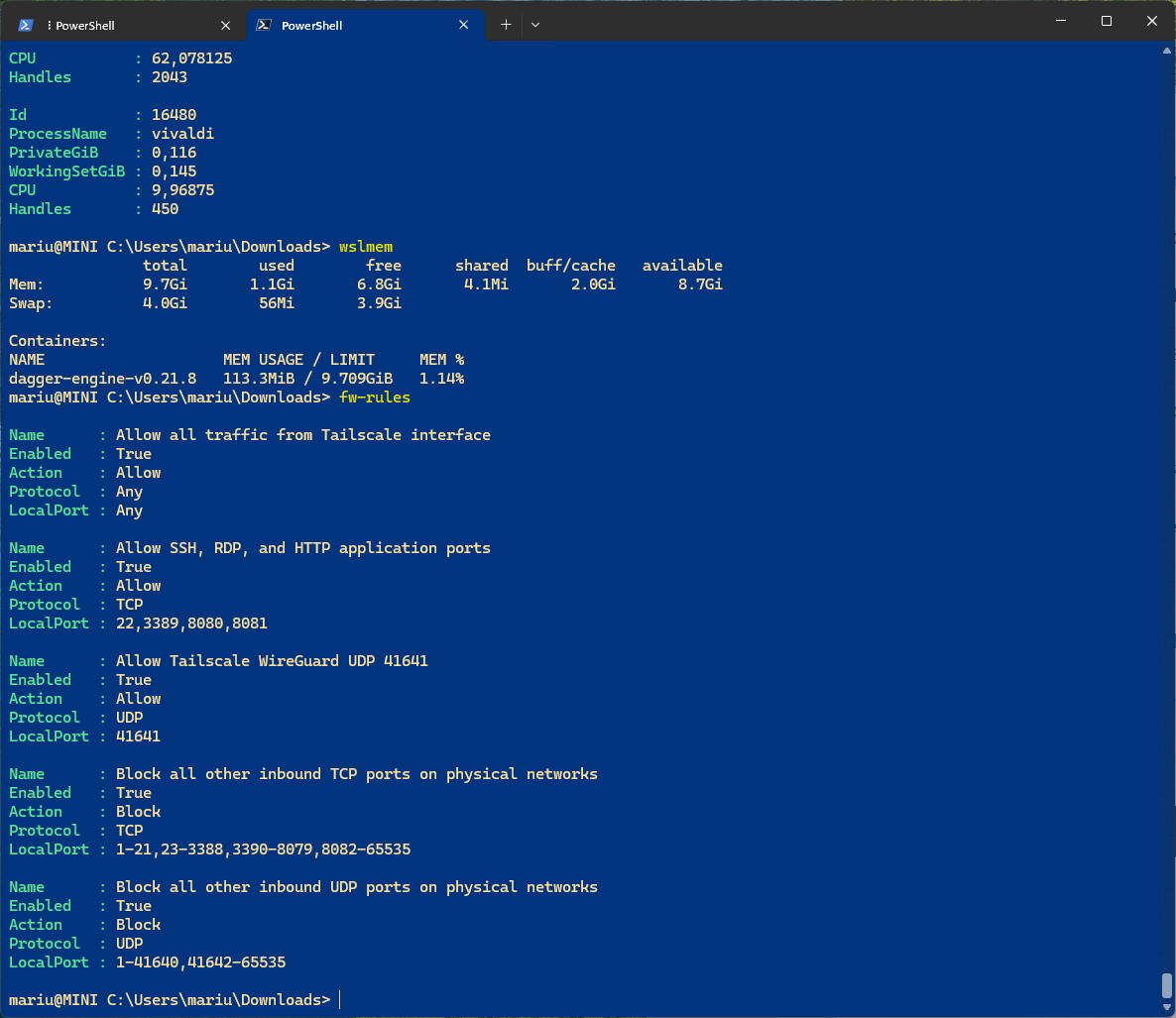 |
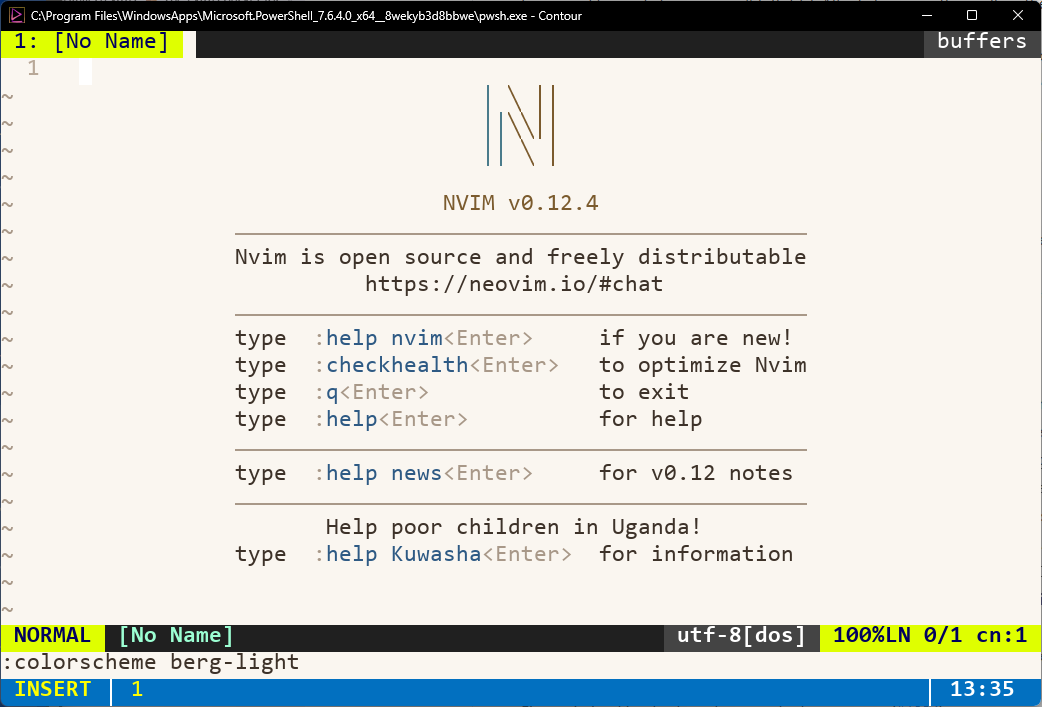 |
| Human-readable workstation inspection from PowerShell. | Contour Terminal and Neovim using the configured developer environment. |
This installation uses a GPD Pocket 4 as its concrete example. GPD Pocket systems are popular portable machines for data-center administrators. The default desired state installs no GPD-only software. Other Windows 11 Pro workstations use the same commands, and generic sensor commands report no data when no supported provider is running.
Choose a task
| What you need to do | Go here | Safe first action |
|---|---|---|
| Install or verify the workstation | Install and verify | ./Apply-Workstation.ps1 -Mode Test -Plan |
| Change one managed component | Select modules and dependencies | ./Apply-Workstation.ps1 -Mode Test -Module NAME -Plan |
| Update the complete workstation | Review and run managed updates | update |
| Reclaim Windows or trace storage | Disk and trace cleanup | cleanup-windows or cleanup-traces |
| Play video with the Radeon media engine | GPU-accelerated media playback | .\Apply-Workstation.ps1 -Mode Test -Module Mpv -Plan |
| Use reproducible Kubernetes/IaC tools | Reproducible NixOS WSL tools | nixos-check |
| Investigate NixOS drift or alteration | NixOS integrity and alteration detection | nixos-check -Json |
| Understand managed and explicit state | Choose desired state | Review the mode and privilege boundary |
| Diagnose a failure | Choose a capability | Inspect current state and existing evidence |
| Keep investigation evidence together | Keep evidence in Tricky cases | tricky new NAME -Problem '...' |
| Assess a suspicious file | Analyze a suspicious file | is-this-malware PATH |
| Examine media with Autopsy | Autopsy Windows forensic workstation | ./Apply-Workstation.ps1 -Mode Test -Module Autopsy -Plan |
| Compare a clean run or two binary graphs | Analysis and differencing cases | sandbox-behavior-control PATH or binary-diff OLD NEW |
| Extend the project test-first | Specification-driven development | Validate the current specification state |
| Look up a command | Commands and aliases | Search by task or command name |
Work safely
- Define the target and expected state or behavior.
- Inspect the dependency plan or existing EVTX, ETL, PCAPNG, dump, profile, and snapshot evidence.
- Run the observational
Testor inspection command. - Identify the exact state or evidence gap.
- Run the smallest explicit repair or capture command that closes that gap.
This order shows where a command needs elevation, may require a restart, starts a capture, or can remove data. It also avoids collecting a new trace when retained evidence already has the answer.
Use one interface
The default output is for people. Automation uses the same commands with -Json or -AsObject
where supported. Repository-local Codex skills call those commands directly.
tricky is the shared case and routing interface. Capability discovery never starts capture.